


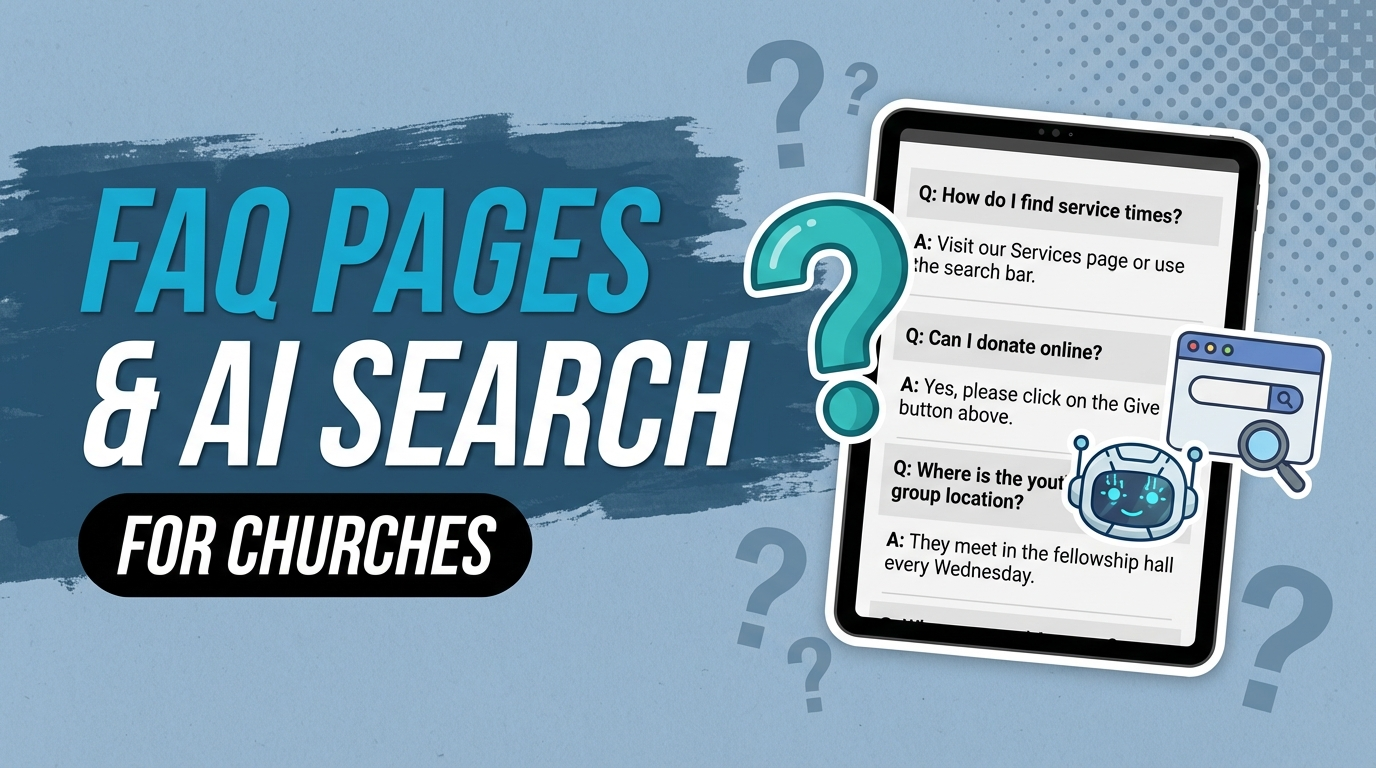
When someone asks ChatGPT “What time are services at [church name]?” the AI needs a source. It has to pull that information from somewhere. The easiest source for it to cite? A well-structured FAQ page on your church’s website.
Most church websites don’t have one. That’s a problem.
AI tools are increasingly the first stop for people researching churches. Not Google. Not Yelp. ChatGPT, Google’s AI Overview, Perplexity, Microsoft Copilot. These tools scan the web for clear, direct answers. A church FAQ page is one of the clearest signals you can give them.
This is about more than AI. A good FAQ page also ranks in traditional Google search, earns featured snippets, and helps real people get real answers faster. It’s one of the highest-return pages you can add to your church website right now.
Here’s how to build one that works.
Why FAQ Pages Are Gold for AI Search
AI search tools are not search engines in the traditional sense. They don’t serve up a list of links and let the user decide. They read your content, extract the answer, and present it as their own.
That means structured, question-and-answer content is exactly what they want.
When your church FAQ page asks “Do I need to dress up to attend?” and then gives a clear, direct answer in two to three sentences, that is precisely the format AI tools are trained to scan, trust, and reproduce. It’s clean. It’s unambiguous. It removes guesswork for the AI the same way it removes guesswork for a first-time visitor.
Compare that to a wall of text on your About page. The AI has to guess what’s relevant. It may not surface anything useful, or it may skip you entirely in favor of a church that gave it a cleaner answer.
The other reason FAQ pages matter: People Also Ask boxes. Google has expanded PAA boxes dramatically over the last two years. FAQ content gives Google the raw material it needs to feature your church’s answers directly on the search results page, before anyone even clicks through to your site.
FAQ content also drives AI SEO for churches in a compounding way. Every question you answer is another signal that your church is authoritative, accessible, and worth recommending.
The 15 Questions Every Church FAQ Page Should Answer
This is the section to bookmark. Below are 15 questions that first-time visitors, curious searchers, and AI tools are all asking about your church. Each includes a short example answer you can adapt.
1. What time are your services?
“We hold services on Sunday mornings at 9:00 AM and 11:00 AM. Doors open 20 minutes before each service.”
2. Where are you located?
“We’re located at [address]. We’re in the [landmark/area description]. Parking is free and available in the lot directly behind the building.”
3. What should I wear?
“Dress however you’re comfortable. You’ll see everything from jeans and t-shirts to business casual. What matters is that you’re there, not what you’re wearing.”
4. Do I have to be a member to attend?
“Not at all. Everyone is welcome to attend any service, event, or class. Membership is an option for those who feel called to deeper commitment, but it’s never required to participate.”
5. Is there childcare available?
“Yes. We offer nursery care for infants and toddlers, and children’s ministry for kids in kindergarten through 5th grade. All childcare workers are background-checked and trained.”
6. What denomination are you?
“We are a [denomination] church. [One sentence describing your theological identity and culture in plain language.]”
7. Do you offer online services?
“Yes. We livestream every Sunday service on our YouTube channel and post the full message on our website by Sunday evening.”
8. How do I give or tithe online?
“You can give securely online at [giving link]. We accept credit cards, debit cards, and ACH bank transfers. Text giving is also available at [text number].”
9. What happens during a service?
“Our services run about 70 minutes. You can expect contemporary worship music, a time of prayer, and a practical message from Scripture. We keep it engaging and accessible whether you’ve been in church your whole life or this is your first time.”
10. How do I get connected or join a small group?
“The best first step is filling out our connection card or stopping by our Connection Center after any service. We have small groups meeting throughout the week and would love to find one that fits your schedule.”
11. Do you have a food pantry or community assistance program?
“Yes. Our food pantry operates on [days/times] and is open to anyone in the community. No membership required. Contact our office at [email or phone] for details.”
12. Is your facility accessible for people with disabilities?
“Yes. Our building is fully wheelchair accessible with reserved parking, a ramp entrance, and an accessible restroom. Hearing loop technology is available in the main sanctuary.”
13. How do I request prayer?
“You can submit a prayer request through our website at [link], by texting [number], or by speaking with one of our prayer team members after any service.”
14. Do you offer baptism and how does that work?
“We celebrate baptism by immersion as a public declaration of faith. Baptism classes are offered several times a year. Contact us to find out when the next one is scheduled.”
15. How do I contact your pastoral staff?
“You can reach our church office at [phone] or [email], Monday through Friday, 9 AM to 4 PM. For urgent pastoral care, call [number] and leave a message.”
Adapt every answer to your church’s actual details. Generic answers are better than no answers, but specific answers are what build trust.
How to Structure Your FAQ Page for Maximum AI Visibility
The way you format your FAQ page matters as much as what you put on it.
Here’s the structure that performs best for both AI tools and search engines:
Use real question-and-answer pairs. Not “Service Times” as a heading with a paragraph below. The actual question: “What time does the service start?” followed by a direct answer. AI systems are pattern-matching on that Q-and-A structure.
Keep answers short and direct. Two to four sentences is the sweet spot. Long-winded answers dilute the signal. If a topic needs more depth, link to a dedicated page.
Use a single FAQ page, not scattered FAQs buried inside other pages. A centralized FAQ page is easier for Google to crawl, easier for AI to cite, and easier for visitors to find. You can also embed relevant FAQ sections on individual pages (like your children’s ministry FAQ on the kids page), but the main FAQ should stand alone.
Group questions by category. Visitor questions, worship experience questions, community and groups questions, giving questions, facilities questions. Structure helps both humans and AI navigate the page.
Include your city and location naturally. Not as keyword stuffing. Just the way you’d naturally answer: “Our church is located in [City], at the corner of [Street] and [Street].” Geographic context helps AI tools surface your answers for local queries.
Update it regularly. AI tools favor fresh, accurate content. Service times change. Programs launch and end. An outdated FAQ page is worse than no FAQ page because it erodes trust.
FAQ Schema Markup: The Technical Boost
Schema markup is the structured data layer that tells search engines exactly what your content is. For FAQ pages, it’s a game-changer.
When you add FAQ schema to your page, Google can display your questions and answers directly in search results as expandable dropdowns. That means your church takes up significantly more real estate on the page without earning a higher ranking. You’re getting the visibility of a top-3 result even when you’re at position 6 or 7.
The markup follows a specific format. Here’s a simplified example:
{
  "@context": "https://schema.org",
  "@type": "FAQPage",
  "mainEntity": [
    {
      "@type": "Question",
      "name": "What time are your services?",
      "acceptedAnswer": {
        "@type": "Answer",
        "text": "We hold services on Sunday mornings at 9:00 AM and 11:00 AM."
      }
    }
  ]
}
Repeat that pattern for each question. Add the JSON-LD block to the <head> of your FAQ page, or implement it through your website platform.
For a deeper look at schema markup and how it applies across your entire church website, read our guide on schema markup for churches. It covers the specific schema types that have the biggest impact on church search visibility.
Where to Put Your FAQ Content
The main FAQ page is your anchor. But FAQ content can and should live in more places than that.
Your homepage can include a compact “Common Questions” section covering your most basic visitor questions. Keep it to four or five questions, and link to the full FAQ page.
Your “Plan Your Visit” page (every church should have one) is a natural home for visit-specific questions: parking, what to expect, childcare check-in, how long is the service.
Individual ministry pages benefit from contextual FAQs. Your children’s ministry page should answer questions specific to parents. Your groups page should answer how small groups work, how to join, and what the commitment looks like.
The key principle: put FAQ content close to the page where someone would naturally have those questions. Don’t make visitors hunt for answers. And make sure each FAQ section either uses FAQ schema or is on the main FAQ page that does.
This approach also supports a broader content strategy that AI search tools cite by spreading structured, authoritative answers across multiple relevant pages.
Real Examples of Church FAQ Pages That Work
The best church FAQ pages share a few common traits. They’re specific, not vague. They read like a human wrote them, not a committee. And they actually answer the question instead of dancing around it.
A church in the Pacific Northwest has a FAQ page that opens with a direct statement: “We know walking into a new church can feel awkward. These are the questions we get most often.” That framing alone signals warmth and self-awareness. The answers are short, honest, and specific.
A larger evangelical church in Texas has their FAQ organized into tabs: For First-Timers, Families, Online Worshipers, and Community. Each tab loads only the relevant questions. It’s clean, easy to navigate, and takes less than 30 seconds to get any answer.
What makes both work: they wrote the FAQ for real people with real hesitations, not for SEO. The SEO benefit came as a result of being genuinely helpful.
That’s the model to follow. Think about the person sitting in a coffee shop on a Sunday morning, phone in hand, wondering whether to try your church. What would that person want to know? Write for them.
If you want a broader look at what your church website should include beyond the FAQ, our post on what should be on a church website covers the full picture.
How to Find What Questions People Ask About Your Church
You don’t have to guess. There are several reliable ways to find out exactly what questions people are searching for.
Google’s “People Also Ask” box. Search your church name and scroll down. Whatever appears in the PAA box is a question real people are typing. Add it to your FAQ.
Google Search Console. Go to Performance, then Queries. Filter by your church name or location. Any question-format query showing impressions is a question worth answering on your FAQ page.
Your own team. Ask your welcome team, your children’s ministry volunteers, and your office staff: what do visitors ask most? These front-line people field questions every week. Their answers are more valuable than any keyword tool.
Your contact form or email inbox. Go back three months and look at every inquiry. Questions that appear more than once belong on your FAQ page.
Church review sites and Google reviews. When someone reviews a church and mentions something specific (easy parking, welcoming to newcomers, clear explanation of communion), that’s a signal about what people care about. Turn those themes into FAQ answers.
Competitor church websites. Look at what other churches in your area have put on their FAQ pages. Not to copy them, but to make sure you’re not missing something obvious.
Once you’ve gathered 20 to 30 questions, prioritize the ones with the clearest answers and the highest visitor relevance. Build from there.
Build It Once, Benefit Indefinitely
A church FAQ page is not a project that requires a marketing team or a big budget. It’s a half-day of work that pays dividends for years.
Every time someone asks an AI about your church and gets a clear answer, that’s your FAQ page doing its job. Every time a first-time visitor finds your website and goes from curious to confident in three minutes, that’s your FAQ page working. Every time Google surfaces your answers in a featured snippet or People Also Ask box, that’s your FAQ page earning visibility you didn’t have to pay for.
Most churches are skipping this entirely. Which means adding a well-structured church FAQ page right now puts you ahead of the majority of churches in your area, in both traditional search and in AI-powered search.
Start with the 15 questions above. Adapt the answers to your church. Add FAQ schema. Then go find what else your visitors are asking.
The page you build today will keep answering questions long after you’ve moved on to the next thing.
How Visible Is Your Church in Search?
Our free audit checks your local SEO and AI search signals in 60 seconds.
Run Your Free Audit →