Google for Nonprofits is Google’s free program for registered charities, and yes, it takes churches. Google’s own help article names churches by name. The question every pastor actually needs answered is narrower: will Google take your church, with the paperwork you have right now?
If the IRS has formally recognized your church, either with its own determination letter or through your denomination’s group exemption, you qualify. If your church has simply been tax exempt for 30 years without ever asking the IRS for a letter, you don’t qualify yet. Google says so plainly, and its verification partner, Goodstack, will stop you at the door.
I’m writing this as the founder of REACHRIGHT, where we’ve worked only with churches since 2016, and as Executive Pastor at New Hope Hawaii Kai, a Foursquare church covered by our denomination’s group exemption. Below is every step of the application, what unlocks when you’re approved, and what to do if Google says no.
Before you start: if your church doesn’t have an IRS determination letter and you aren’t sure whether your denomination’s group exemption covers you, stop here and read how to prove your church is a nonprofit. It walks through all three paths a church can take. Come back once you know which documents you’ll be sending, because Goodstack will ask for them.
Can a church get Google for Nonprofits?
A church can get Google for Nonprofits if the IRS has recognized its 501(c)(3) status. Google’s eligibility page (November 2026) requires US organizations to be “registered with the IRS” under Section 501(c)(3), or to be a group exempt organization “with proven affiliation to a central nonprofit that has 501c3 status.” The only organization types Google excludes are government entities, hospitals and health care organizations, and schools and universities. Churches are not on that list.
The catch is the word “registered.” Google’s help article on tax-exempt status addresses churches directly. It says churches that meet the 501(c)(3) requirements are “automatically considered tax exempt” and “not required to apply for and obtain recognition” from the IRS. Then it adds that organizations not listed in the IRS’s online publication of tax-exempt organizations “aren’t eligible.”
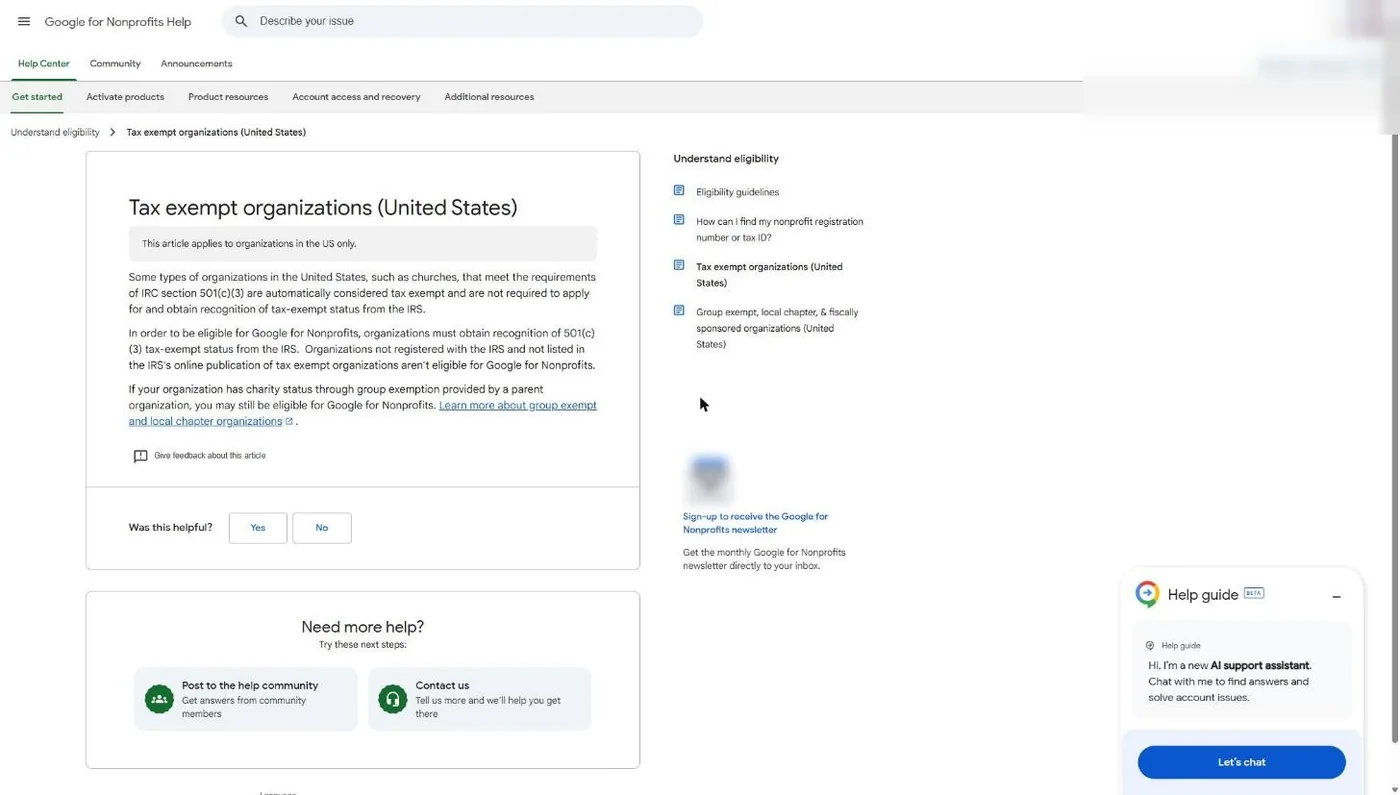
So being tax exempt and being recognized as tax exempt are two different things. Google wants the second one.
A church the IRS has never formally recognized cannot get Google for Nonprofits, no matter how long it has been tax exempt. Get the IRS letter or your denomination's group exemption documents first, then apply.
Which church are you?
Most churches fall into one of four situations. Find yours before you open the application.
| Your church's situation | Eligible for Google? | What to have ready |
|---|---|---|
| Has its own IRS determination letter | Yes | The letter as a PDF, plus your legal name and EIN exactly as the IRS lists them |
| Covered by a denomination's group exemption | Yes | Your church's own EIN, the group exemption number, and documents showing you're affiliated with the central organization |
| Never applied to the IRS, no denomination ruling | Not yet | Get IRS recognition first by filing Form 1023 (churches can't use the shorter 1023-EZ) |
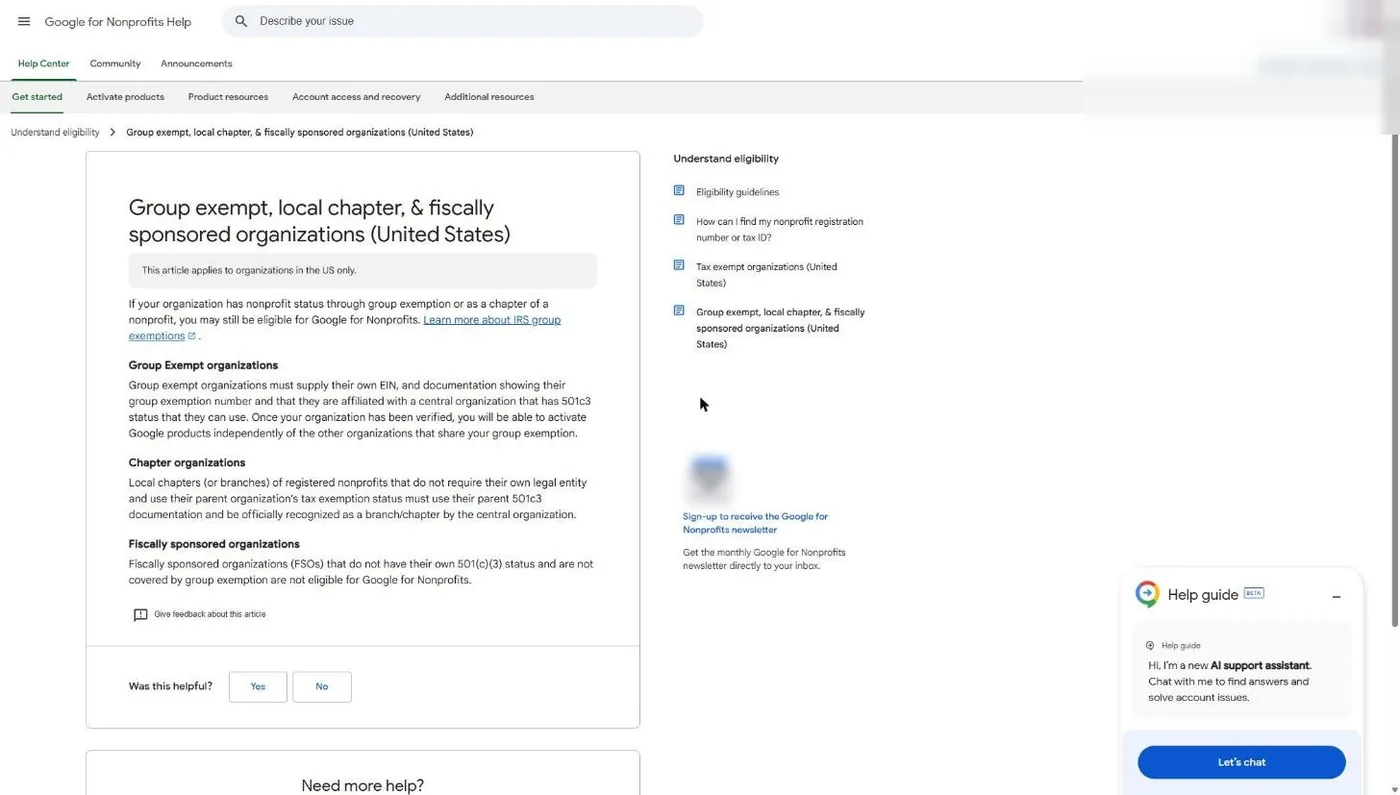
| Church plant running under another church's 501(c)(3) | Usually no | Google lists fiscally sponsored organizations without their own 501(c)(3) as not eligible. Get your own status or confirm you're covered by a group exemption |
The group exemption row trips up more churches than any other, so read it twice. Google’s group exempt article says these organizations “must supply their own EIN,” plus documentation showing the group exemption number and the affiliation. That is the opposite of TechSoup, which tells a group-exempt church to use the parent denomination’s EIN. If you’re applying to both programs this month, you’ll enter different EINs in each. That’s correct, not a mistake. Our TechSoup guide for churches covers the TechSoup side.
How do I apply for Google for Nonprofits as a church?
You apply at google.com/nonprofits by clicking Get started, signing in with the Google account that will run your church’s nonprofit account, entering your church’s legal details, and letting Goodstack verify you. Goodstack says it processes applications within 72 hours, Google’s FAQ (November 2026) says its review typically takes 2 to 14 business days, and each product has to be activated separately after approval.
Step 1: Gather your documents before you click anything
Goodstack checks your church against official registries first and only asks for documents when that check fails. A church under a group exemption won’t show up as its own entry in the IRS listing, so plan on being asked. Have these ready as PDFs:
- Your church’s exact legal name, as it appears on IRS paperwork (not the name on your sign out front)
- Your church’s physical address
- Your church’s EIN (your own, even if you’re group exempt)
- Your IRS determination letter, or your denomination’s group exemption letter plus a letter from the denomination confirming your church is covered
- An IRS EIN Verification Letter, which Goodstack calls “strongly recommended” for US organizations (Goodstack help center, November 2026)
That last one proves your EIN and legal name exist. It does not prove tax-exempt status, so send it alongside your exemption documents, not instead of them.
Step 2: Use a church Google account, not your personal one
The Google account you sign in with becomes the administrator of your church’s Google for Nonprofits account. Google’s sign-up page says so on the confirmation screen. Use an address on your church’s domain, like admin@yourchurch.org, that belongs to the church and survives staff turnover.
This matters for two reasons. First, Google’s help article on Goodstack verification says that if you apply with a personal email, Goodstack may ask for “an official letter signed by a board member, director, or executive officer” confirming your role. That’s an extra week you don’t need. Second, if the account belongs to a staff member who later leaves, anyone else has to request access through Google, and Google’s FAQ says the current administrators get 14 days to respond. A shared church account avoids that whole mess.
If your church doesn’t have domain email yet, that’s one more reason to set up Workspace, which you’ll get through this same program. Our Google Workspace for churches guide covers the setup.
Step 3: Click Get started and confirm the account
Go to google.com/nonprofits and click Get started.
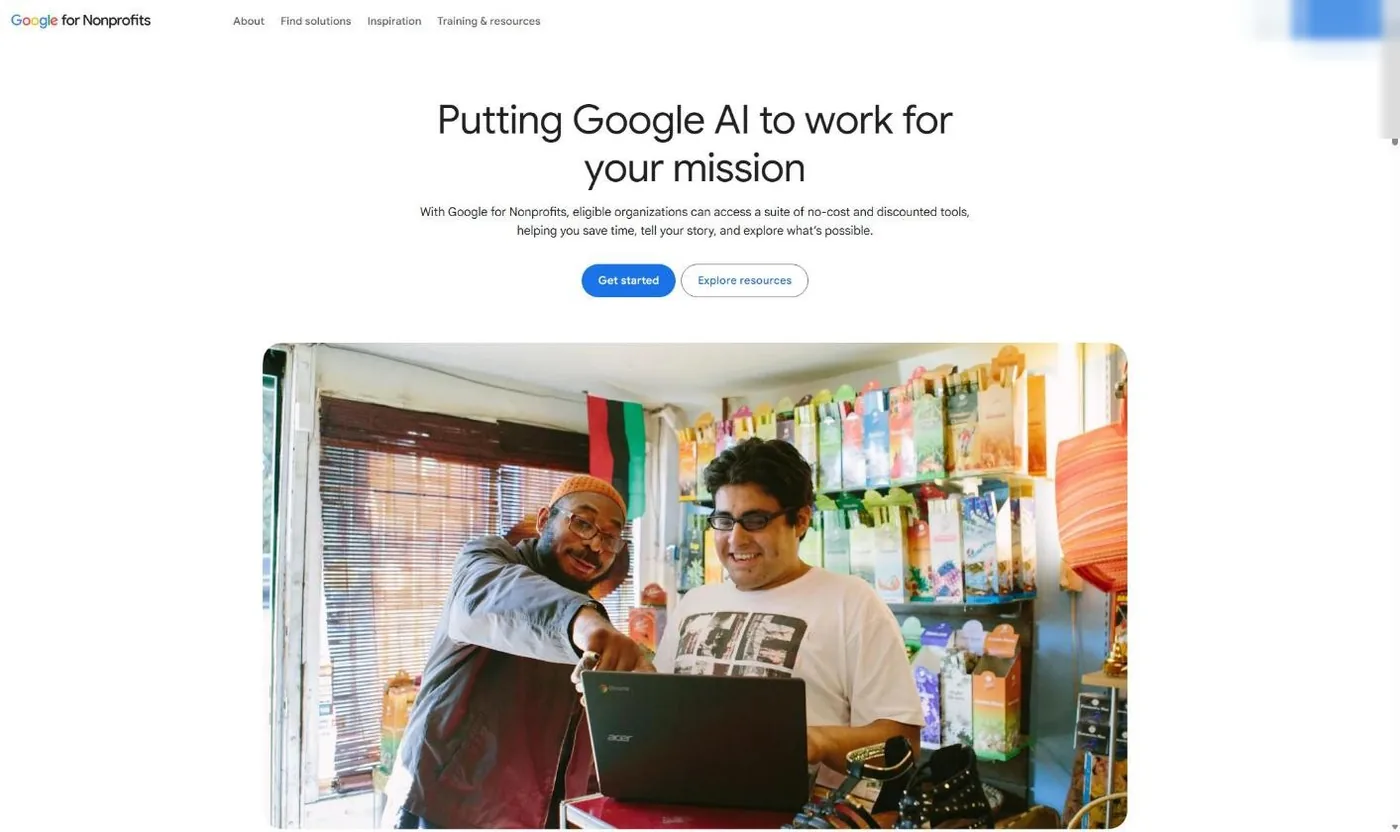
The next screen asks you to confirm which Google account you’re signed in with. Check it carefully. If it shows your personal Gmail, switch accounts now, before you go any further.
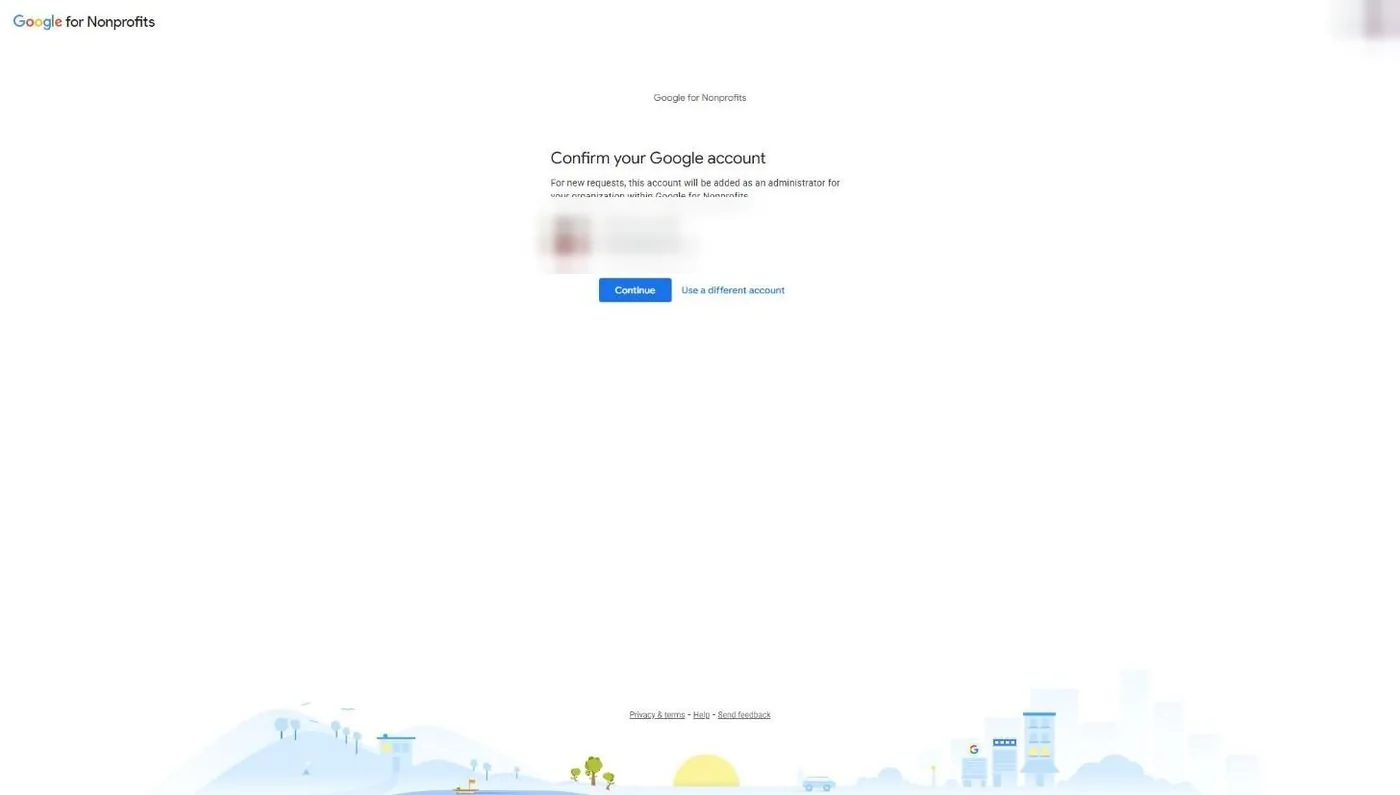
We stopped our walkthrough at this screen, because clicking Continue starts a real application tied to that account. Steps 4 through 7 come from Google’s own help documents, cited in each step.
Step 4: Enter your church’s details
According to Google’s “Get verified by Goodstack” help article (November 2026), you’ll provide your organization’s official registered name, address, and charity or tax registration ID. For a US church, the registration ID is your EIN.
Type the legal name exactly as it appears on your IRS documents. “Grace Church” and “Grace Community Church of Springfield, Inc.” are different organizations to a verification system. If your church is group exempt, this is where you enter your own EIN, not the denomination’s.
Step 5: Goodstack verifies your church
Once you submit, Goodstack runs automatic checks in the background against official registries. If it can’t confirm your church that way, it emails you asking for supporting documents. Google’s eligibility guidelines name Goodstack as the partner every organization must clear.
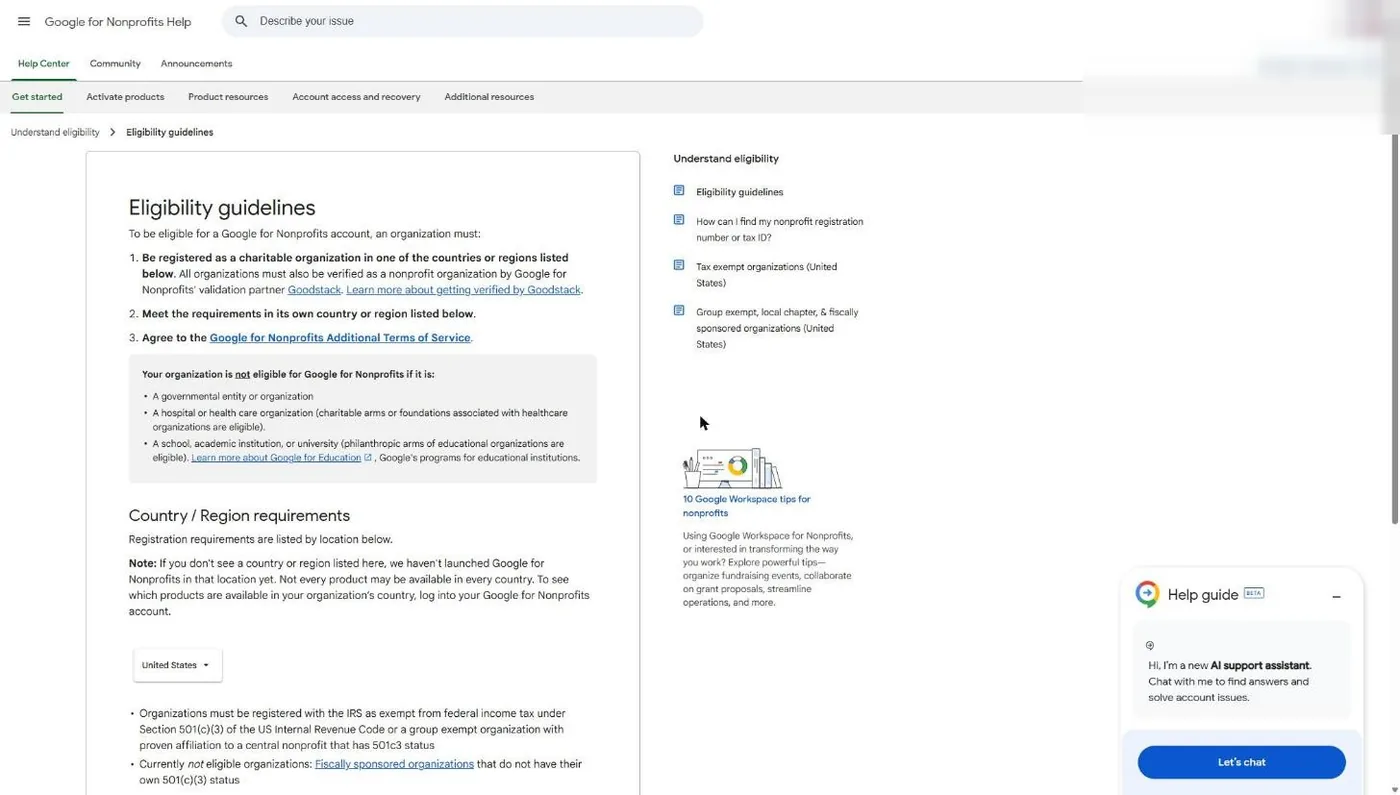
Goodstack’s emails come from verifications@mail.goodstack.org, and Google warns they sometimes land in spam. Watch for three possible requests: verify your email address, confirm you’re associated with the church, or upload documents. Goodstack’s help center says documents “must be the original version (no redactions) and in PDF format.” If you plan to use the same verification for Zoom, Canva, Claude or ChatGPT later, our guide to what Goodstack is explains how one verification carries across programs.
Step 6: Wait for Google’s decision
Goodstack says it processes applications “within 72 hours, though often it is much quicker” (Goodstack help center, November 2026). Google says its review typically takes 2 to 14 business days. If you’ve heard nothing after 5 business days, Google’s help article says you may still have an open step (email verification, association, or documents) sitting in your inbox. Once Goodstack finishes, Google emails you with the decision.
Step 7: Activate each product separately
Approval doesn’t turn anything on. Google’s help center says “each product needs to be activated separately.” Sign in to Google for Nonprofits with your admin account and click Get started under each product you want. The next section covers what each one gives a church.
What does Google for Nonprofits include?
Google for Nonprofits includes four no-charge products, according to Google’s program FAQ (November 2026): Google Workspace for Nonprofits, Google Ad Grants, the YouTube Nonprofit Program (how churches join), and Google Maps Platform credits. Workspace also comes with discounted paid editions. Google’s nonprofit home page lists Gemini, Google Analytics and Google Cloud among its other tools, but the four below are the core offers.
| Product | What a church gets | Cost | Review after you activate |
|---|---|---|---|
| Workspace for Nonprofits | Gmail on your domain, Drive, Calendar, Meet (150 participants), 100 TB of pooled storage; up to 2,000 users | $0; Business Standard $3.50 and Business Plus $6.16 per user per month on a 1-year commitment ($4.20 and $7.40 billed monthly) | Set up in your Workspace Admin console |
| Google Ad Grants | $10,000 a month in Google Search text ads | $0 | "Several business days" |
| YouTube Nonprofit Program | Link Anywhere cards to any external URL, dedicated tech support | $0 | 2 to 14 business days |
| Google Maps Platform credits | $250 a month toward Maps Platform usage | $0 (needs a Google Cloud billing account) | 3 business days |
Sources: Google for Nonprofits Workspace, Ad Grants and Maps pages; Google help center articles on activating each product. Verified November 5, 2026.
If you read our 2018 posts on this program, a few things are gone. Google One Today and YouTube Spaces aren’t on Google’s current program page, and verification no longer runs through TechSoup. Goodstack (formerly Percent) handles it now.
Google Workspace for Nonprofits
Workspace is where most churches should start, because it gives every staff member and key volunteer an address on your church’s domain. Google’s Workspace for Nonprofits page (November 2026) lists the $0 edition with 150-participant video meetings and 100 TB of shared storage, discounted Business Standard and Business Plus plans, and Enterprise at “70%+ off.” Setup, migration of volunteers’ personal Gmail, and which tier fits your staff live in our Google Workspace for churches guide.
Google Ad Grants
Google Ad Grants gives your church “$10,000 USD of in-kind advertising every month for text ads” on Google Search, per Google’s Ad Grants page. It is the most valuable thing in this program for a church that wants to be found by people searching for a church, a recovery group or a Christmas Eve service nearby.
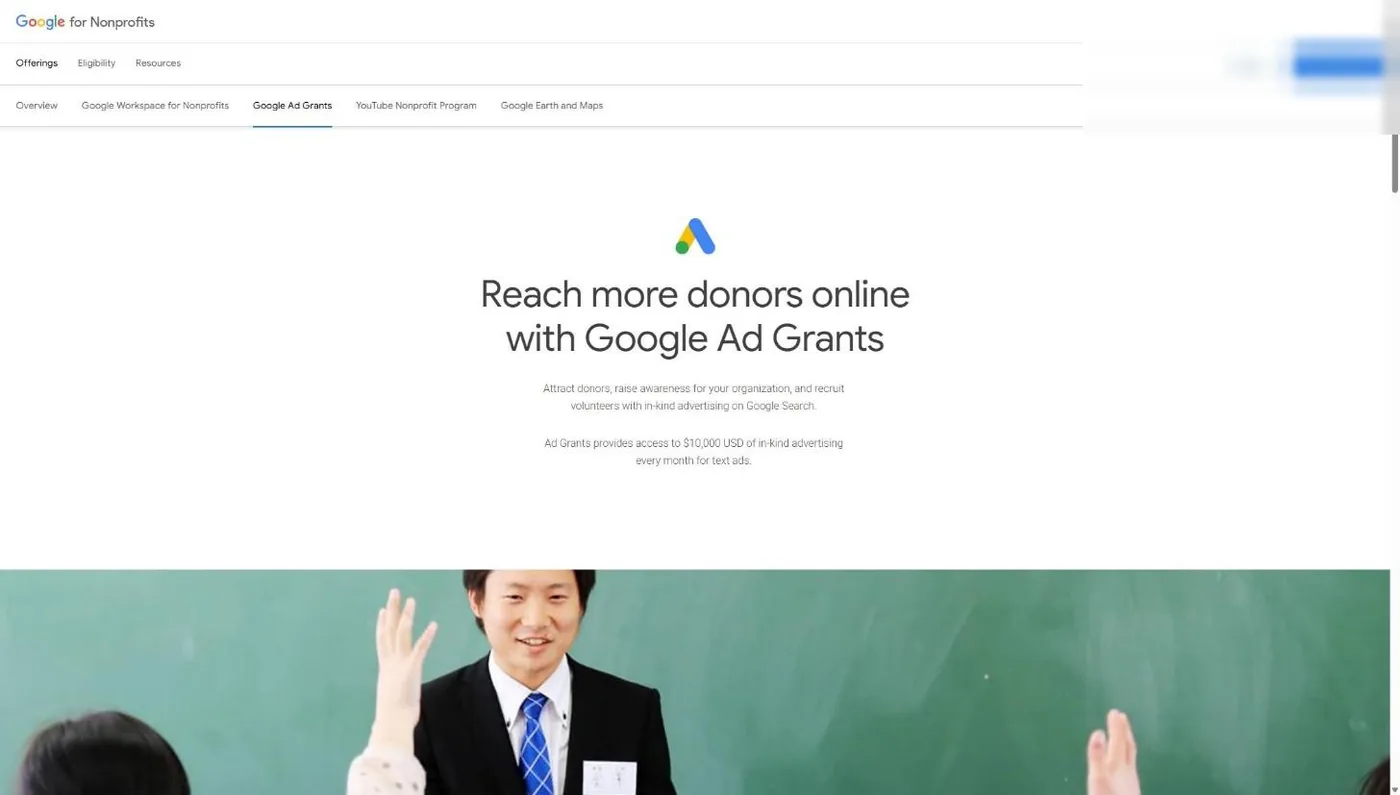
Getting verified for Google for Nonprofits does not activate the grant. Google’s “Google Ad Grants” help article (November 2026) lists four activation steps:
- Confirm your website is secure with HTTPS and meets the Ad Grants website policy.
- Sign in to Google for Nonprofits and click Get started under Google Ad Grants.
- Watch the welcome video and check the box confirming you did.
- Click Submit activation request. Google says the review “may take several business days.”
One line from that article is worth reading twice: “Do not create a Google Ads account at any time” during activation. Google provides the Ad Grants account once activation is complete.
Your website is the gate. Google’s website policy says your church must own the domain your ads point to, serve every page over HTTPS, carry “a significant amount of original content,” clearly state your mission, have working links, and work on phones. If your site is thin or hasn’t been updated in years, fix that before you activate.
If the nondiscrimination language in Google’s program terms gives your board pause, read how I think about the Ad Grant non-discrimination clause before you apply. For the full picture on campaigns, keywords and staying compliant, read our complete Google Ad Grant guide and Ad Grants compliance rules. If you’d rather hand the account to a team that only manages church grants, that’s our Google Ad Grant management service.
YouTube Nonprofit Program
The YouTube Nonprofit Program adds Link Anywhere cards, which Google describes as “a special card type that lets you link to any external URL,” plus dedicated technical support for your nonprofit channel (YouTube Help, November 2026). For a church, that means a sermon video can send viewers straight to your plan-a-visit page or giving page.
To activate it, Google’s help article says to sign in with your admin account, click Get started under YouTube Nonprofit Program, and follow the steps. You’ll need your channel ID, and the channel “should be easily verified as belonging to your organization.” Use the church’s official channel, not a staff member’s. Review takes 2 to 14 business days. For what to actually post, see our YouTube guide for churches.
Google Maps Platform credits
Google gives verified nonprofits “$250 USD per month in Google Maps Platform credits,” per its Maps page (November 2026). This is for developers building maps into websites or apps, not for your Google Business Profile listing. Most churches won’t need it. If your web developer embeds custom maps for a multi-campus site, it can cover that usage. Activation needs a Google Cloud billing account, plus your church’s address, phone number and domain, and Google says it reviews requests in 3 business days.
If you get rejected
A Google for Nonprofits rejection for a church almost always comes down to paperwork or identity, not ministry. Google’s help center (November 2026) says a declined organization can submit a new request after reviewing the eligibility guidelines and fixing the issue. These are the reasons I’d check first, with the fix for each.
| Why it happened | How to fix it |
|---|---|
| Your church isn't recognized by the IRS (automatic exemption only) | Ask your denomination whether it holds a group ruling that covers you. If not, file Form 1023 for your own letter. See how to prove your church is a nonprofit. |
| Group-exempt church entered the denomination's EIN | Reapply with your church's own EIN, plus the group exemption number and proof of affiliation. Google requires your own EIN. |
| Goodstack couldn't confirm you work for the church | Apply from a church-domain account. If you used a personal email, send a letter signed by a board member, director or executive officer confirming your role. |
| The application expired | Goodstack closes applications with unfinished steps after 30 days. Start a new request and answer every email from verifications@mail.goodstack.org, including the spam folder. |
| Documents were rejected | Send original, unredacted PDFs. Bank statements must be the original electronic PDF, not a scan. An EIN letter alone doesn't prove exemption. |
| Name doesn't match your IRS record | Use the exact legal name from your IRS documents, including "Inc." or the full corporate name. |
| You applied as your church's school or preschool | Google excludes schools. Apply as the church itself. |
| Approved, but the Ad Grant was denied | Your website failed the Ad Grants website policy. Fix HTTPS, thin pages and broken links, then resubmit the activation. |
To reapply, sign in to Google for Nonprofits and submit a new request; Google’s FAQ (November 2026) says to review the eligibility guidelines and fix the issue first. If you believe Goodstack got it wrong, its help center has a form to request a review of a rejected application, and Google’s FAQ says to contact Goodstack directly with verification questions. Don’t reapply with the same documents and hope for a different reviewer. Change the thing that failed.
Frequently Asked Questions
Will your church qualify for the $10,000 Google Ad Grant?
Getting verified is step one. The grant also depends on your website and your paperwork. Answer a few quick questions and find out where your church stands before you spend an afternoon on the application.
Related Guides
- Nonprofit Software Discounts for Churches - Every program, which ones accept churches, and which don’t.
- How to Prove Your Church Is a Nonprofit - Determination letters, group exemptions and what Goodstack accepts.
- Google Workspace for Nonprofits: Setup for Churches - Tiers, prices and moving volunteers off personal Gmail.
- What Is Goodstack? - Get verified once and reuse it across programs.
- TechSoup for Churches - The other validator, and why it wants a different EIN.
- Canva for Nonprofits - Free Canva Pro features for your church team, and what Canva asks for.
- The Complete Google Ad Grant Guide - Turning $10,000 a month into first-time guests.